🔧 Smart Contract Interaction
This guide explains how to interact directly with Uncap smart contracts in case the front-end is down. Follow these steps to close your positions and recover your collateral.
1. Retrieve your position ID
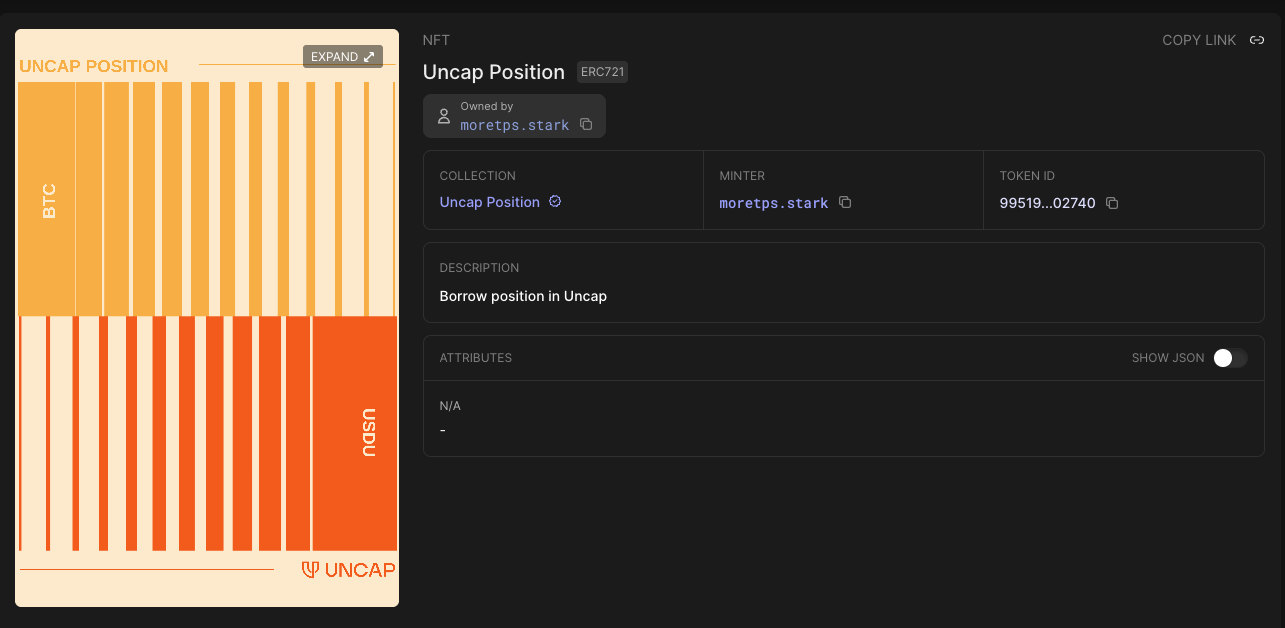
Go check your account address on Voyager. In the NFT section, look for your Uncap position and copy the token ID.
2. Close a position
Go to the borrower_operation contract of your collateral:
Click Write Contract and look for the close_position function.
Paste your position ID and click transact.
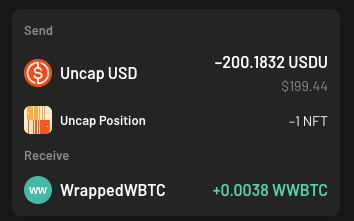
Prior to doing this, make sure to own enough USDU to be able to repay your debt or the wallet will throw an error.
3. Unwrap collateral
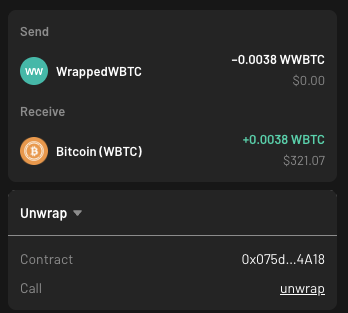
You now have closed your position but you own a wrapped version of your BTC collateral.
Convert the amount
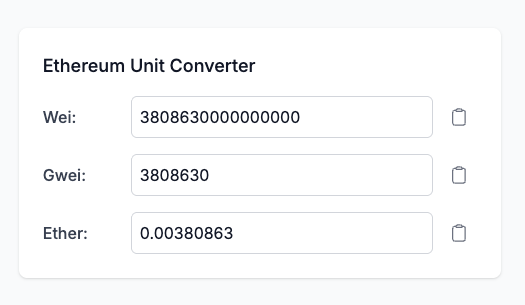
Copy the amount of wrapped collateral that you have received and head to Ethereum Unit Converter. Paste the amount in "Ether" and copy the output of the "Wei" field.
Execute the unwrap
Head to the collateral contract:
Click Write Contract and look for the unwrap function. Paste the amount you wish to unwrap and click transact.
You have now recovered your BTC collateral.